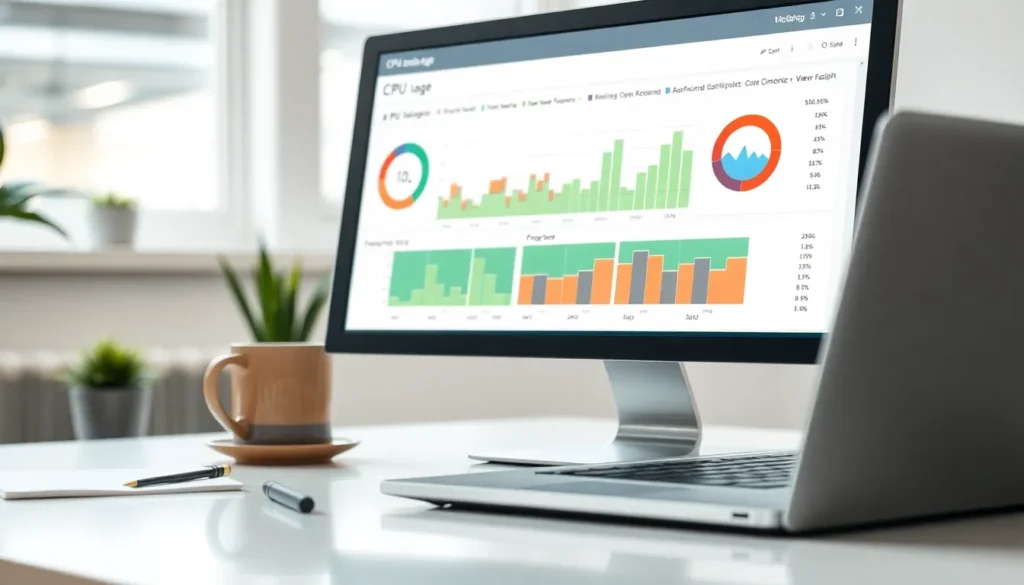
In the bustling world of computing, CPU usage is like the heartbeat of your machine. When it’s racing, you know something’s up. Profiling CPU usage isn’t just for the tech-savvy nerds in the corner; it’s essential for anyone who wants their system to run smoother than a freshly buttered slide.
Understanding CPU Usage
Monitoring CPU usage provides insights into system performance. Knowing CPU consumption helps in optimizing operations.
What Is CPU Usage?
CPU usage measures the percentage of processing power used by applications and processes on a computer. This metric indicates how much workload the CPU handles at any moment. Generally, high CPU usage suggests active workload while low usage points to idle resources. Tracking this data allows users to identify trends in resource allocation.
Why Is Profiling Important?
Profiling informs users about how applications use CPU resources over time. This information assists in pinpointing inefficient processes that may slow down systems. Understanding CPU patterns enables users to allocate resources more efficiently. Regular monitoring helps maintain system stability, ensuring optimal performance. Prioritizing profiling can lead to enhanced operational efficiency and quicker troubleshooting processes.
Tools for Profiling CPU Usage
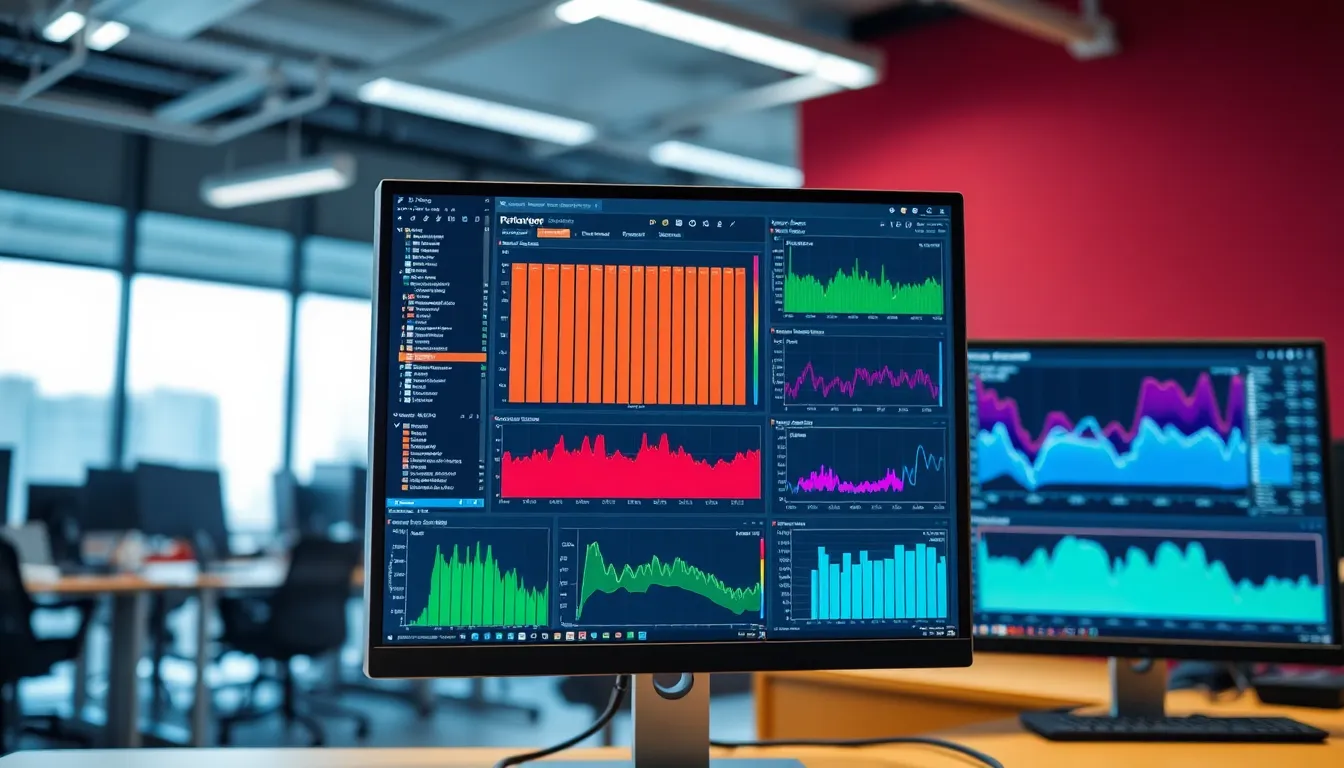
Selecting the right tools for profiling CPU usage enables users to gain valuable insights into their systems. Various software solutions cater to different needs and skill levels.
Overview of Popular Tools
Many popular tools assist in monitoring CPU usage. top provides a dynamic view of running processes and their CPU consumption on Unix-like systems. htop, an enhanced version of top, offers an interactive interface with color-coded usage metrics. Windows Task Manager serves as a convenient option for Windows users, allowing them to view CPU performance in real time. For detailed analysis, Perf is often utilized in Linux environments, capturing performance data for deeper insights. VisualVM combines monitoring and profiling for Java applications, giving real-time insights into resource consumption. Each tool presents unique features catering to various requirements.
Choosing the Right Tool
Choosing the right tool depends on specific needs. For casual users, Windows Task Manager offers an easy, accessible solution. Developers may prefer tools like VisualVM or Perf for in-depth analysis. Performance monitoring tools often optimize resource allocation based on the user’s purpose. Evaluating interface preferences can help determine user comfort and ease of navigation. Budget considerations might also influence decisions, as some tools come at a premium. Understanding system requirements ensures compatibility and effective monitoring. Assessing these factors leads to the best choice for profiling CPU usage effectively.
Techniques for Profiling CPU Usage
Profiling CPU usage employs several techniques that allow users to monitor and analyze how applications utilize processing power.
Sampling vs. Instrumentation
Sampling captures CPU usage at regular intervals, providing insight into processes during specific moments. It offers a snapshot of activity, making it easier to track performance trends over time. Instrumentation, on the other hand, involves inserting code into applications to record detailed usage metrics. This method provides precise information but may impact application performance. Users often choose sampling for its low overhead, while instrumentation delivers in-depth analysis. The choice between these techniques hinges on the desired level of detail and the acceptable impact on system performance.
Analyzing the Results
Analysis of CPU profiling results reveals critical information about application efficiency. Users examine data to identify processes consuming excessive resources. Trends often indicate problematic areas requiring optimization. Visualization tools can simplify understanding patterns, making it easier to interpret results. Metrics like CPU percentage and process priority help users pinpoint inefficiencies. Adjustments, based on this analysis, lead to improved performance and resource allocation. Regular evaluations guarantee that systems remain optimized, aiding in proactive management of CPU resources.
Common Issues in CPU Usage Profiling
Profiling CPU usage can present several challenges that impact accuracy and performance.
Bottlenecks and Throttling
Bottlenecks often occur when certain processes overwhelm the CPU, leading to diminished performance. Throttling can further reduce processing speed, particularly in cases of overheating or power limitations. Applications that demand excessive CPU cycles contribute to these bottlenecks, making it essential to identify them early. Regular analysis of CPU usage helps users pinpoint which applications or processes cause slowdowns. Monitoring tools can provide insights into peak usage times, allowing proactive adjustments to maintain efficiency.
Misleading Metrics
Misleading metrics can confuse users regarding actual CPU performance. Average CPU usage figures may mask spikes in activity, leading to incorrect assumptions about system health. Additionally, metrics that appear normal might arise from temporary resource allocation changes, obscuring longer-term trends. Understanding the nuances of CPU profiling requires careful interpretation of the data. Users should focus on detailed metrics, analyzing specific process behaviors rather than relying solely on aggregate numbers. This thorough approach enables accurate assessments and informed decision-making regarding resource management.
Best Practices for Effective Profiling
Effective profiling of CPU usage involves several best practices that enhance monitoring efforts.
Continuous Monitoring
Regular monitoring of CPU usage ensures users maintain performance levels. Applications, services, and processes exhibit varying workloads, necessitating ongoing observation. Implementing automated tools facilitates timely data collection and analysis. Users benefit from setting alerts that notify them when CPU usage exceeds predefined thresholds. Such proactive measures help identify potential issues before they escalate. Maintaining a consistent review schedule fosters a deeper understanding of CPU patterns, allowing users to make informed decisions based on real-time data.
Interpreting Data Accurately
Accurate interpretation of CPU usage data plays a crucial role in effective profiling. Users should focus on metrics such as utilization percentage and process-specific usage. Contextualizing this data helps users identify which applications consume the most resources. Examining trends over time enables users to pinpoint recurring issues. Utilizing visualization tools aids in simplifying complex data sets, making insights easier to comprehend. Considering both high and low CPU usage provides a comprehensive view of system health. Incorporating feedback from profiling helps inform decisions that promote system efficiency.
Profiling CPU usage is essential for anyone aiming to optimize their system’s performance. By regularly monitoring CPU activity users can identify inefficiencies and allocate resources more effectively. The insights gained from profiling not only enhance operational efficiency but also contribute to system stability.
Employing the right tools and techniques makes this process straightforward. Whether using simple interfaces or advanced analysis tools users can tailor their approach to their specific needs. Continuous evaluation and adaptation based on profiling results ensure that systems remain responsive and efficient over time. Prioritizing CPU profiling leads to informed decisions that ultimately enhance overall computing experience.